
VPS
SSH Management
Manage VPS entries and SSH access in SkyPort.
SkyPort treats a VPS as a record in the backend plus a connection target for SSH sessions. The CLI can open a real terminal session to a selected VPS, and the backend API can list, create, update, delete, and test VPS records.
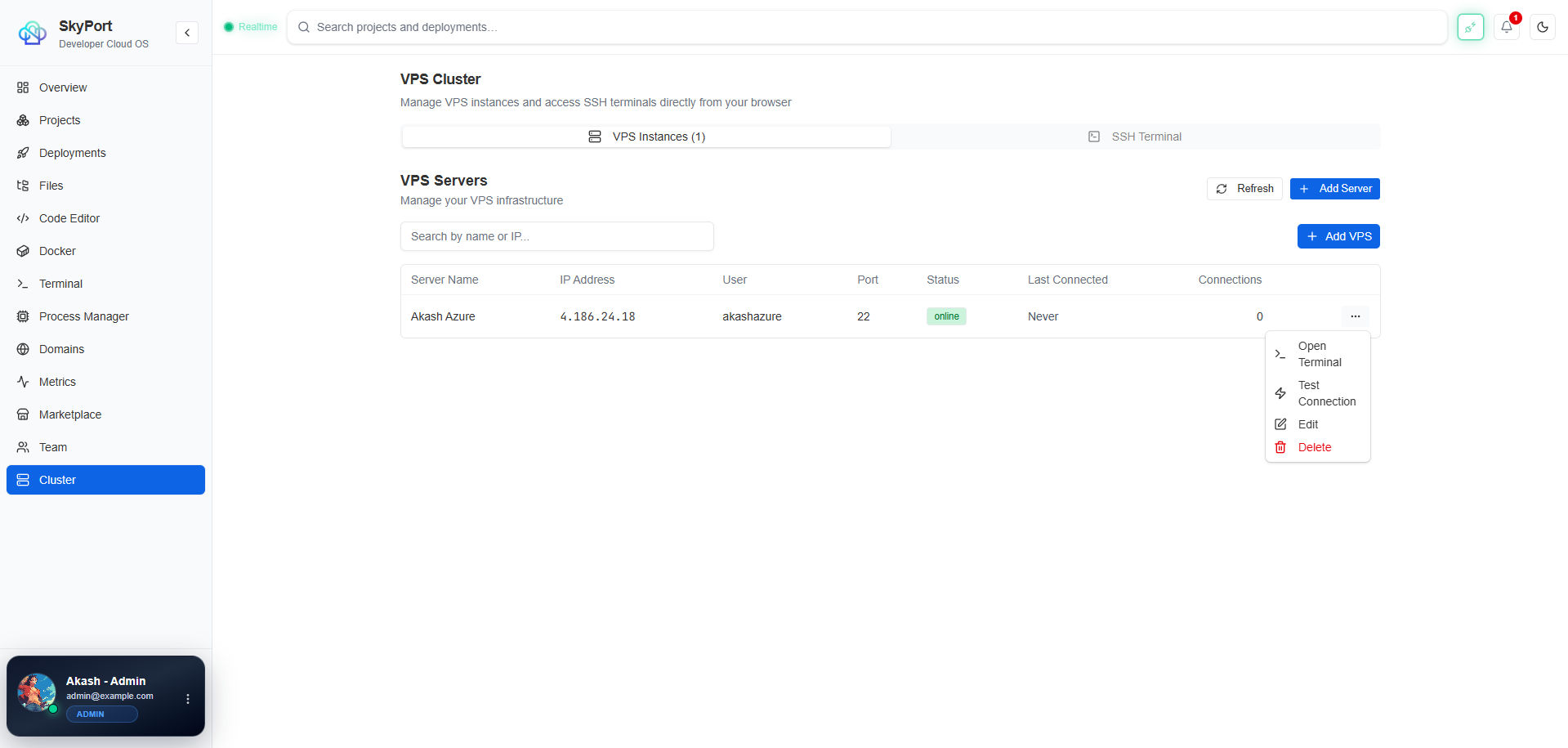
CLI Flow
terminal
skyport server ssh --id <vps-id>
Backend Flow
The API exposes these VPS routes:
GET /api/v1/vpsPOST /api/v1/vpsGET /api/v1/vps/:idPUT /api/v1/vps/:idDELETE /api/v1/vps/:idPOST /api/v1/vps/:id/test
What To Document
- the VPS record itself
- the SSH username and port
- whether the connection uses a key or password
- connection testing before opening a terminal
- tags, notes, and status fields where the UI exposes them
What Not To Claim
- full firewall automation
- hidden agent-based orchestration
- background provisioning that does not exist in the code