Getting Started

First Deployment

Deploy your first application with SkyPort

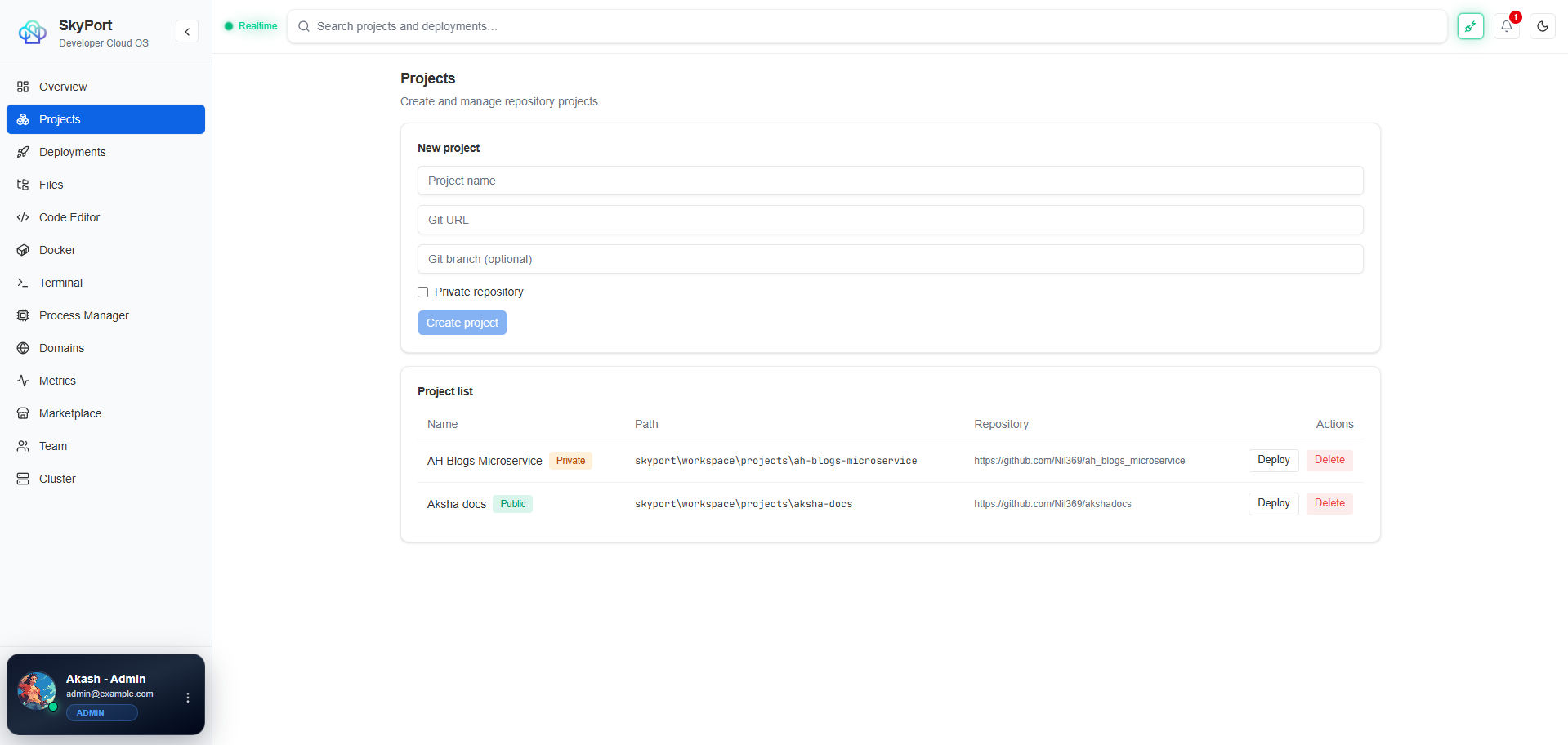
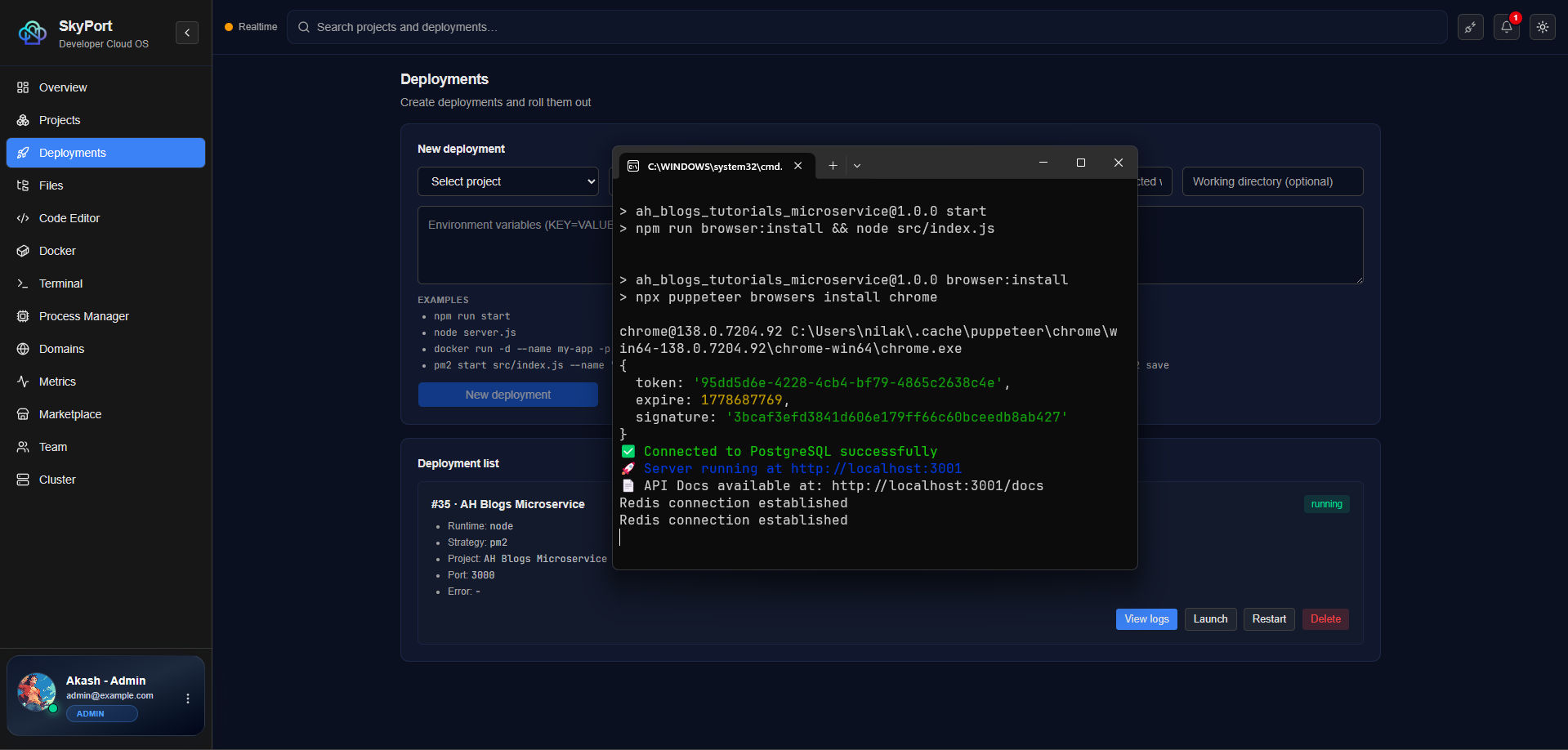
This guide walks you through deploying your first application using SkyPort.

Prerequisites

  • SkyPort installed and running
  • Access to the web dashboard or CLI
  • An application ready to deploy (Docker image, Node.js app, etc.)

Deployment Methods

The simplest way to deploy any application.

Step 1: Create a Dockerfile

If your app doesn't have one, create a Dockerfile:

FROM node:18-alpine

WORKDIR /app
COPY package*.json ./
RUN npm ci --only=production
COPY . .

EXPOSE 3000
CMD ["node", "server.js"]

Step 2: Build the Image

# Build locally
docker build -t my-app:1.0.0 .

# Or pull from registry
docker pull nginx:latest

Step 3: Deploy with SkyPort

# Using CLI
skyport docker run -d \
  --name my-app \
  -p 3000:3000 \
  -v app-data:/data \
  my-app:1.0.0

# Or using the dashboard
# 1. Go to Docker → Run Container
# 2. Select image
# 3. Configure ports and volumes
# 4. Click Deploy

Step 4: Verify Deployment

# Check if running
skyport docker ps

# View logs
skyport docker logs my-app -f

# Test the app
curl http://localhost:3000

Method 2: PM2 Deployment (Node.js)

For Node.js applications without Docker.

Step 1: Clone Your Repository

git clone https://github.com/username/my-app.git
cd my-app
npm install

Step 2: Create Ecosystem Config

Create ecosystem.config.js:

module.exports = {
  apps: [
    {
      name: 'my-app',
      script: 'server.js',
      instances: 2,
      exec_mode: 'cluster',
      env: {
        NODE_ENV: 'production',
        PORT: 3000,
      },
      error_file: './logs/error.log',
      out_file: './logs/out.log',
      log_date_format: 'YYYY-MM-DD HH:mm:ss Z',
    },
  ],
};

Step 3: Deploy with PM2

# Start the application
skyport pm2 start ecosystem.config.js

# View status
skyport pm2 list

# View logs
skyport pm2 logs my-app -f

Step 4: Configure Auto-Start

# Save PM2 configuration
skyport pm2 save

# Set up startup script
skyport pm2 startup

Method 3: Marketplace Deployment

Use pre-built, pre-configured applications.

# Search for apps
skyport marketplace search postgres

# Install application
skyport marketplace install postgres:15

# View installed apps
skyport marketplace list

# Access application
# Check the marketplace entry for access details

Deployment Best Practices

1. Use Environment Variables

Store sensitive data outside your code:

# Set environment variables
skyport docker run -d \
  -e DATABASE_URL="postgresql://user:pass@host:5432/db" \
  -e API_KEY="secret-key" \
  my-app:1.0.0

2. Configure Volumes for Data Persistence

skyport docker run -d \
  -v app-data:/app/data \
  -v app-logs:/app/logs \
  my-app:1.0.0

3. Set Up Health Checks

skyport docker run -d \
  --health-cmd="curl -f http://localhost:3000/health || exit 1" \
  --health-interval=30s \
  --health-timeout=5s \
  --health-retries=3 \
  my-app:1.0.0

4. Configure Reverse Proxy

Set up Caddy for automatic HTTPS and load balancing:

# View reverse proxy configuration
skyport proxy list

# Add routing rule
skyport proxy add my-app.example.com localhost:3000

# Enable HTTPS
skyport proxy enable-https my-app.example.com

5. Set Resource Limits

skyport docker run -d \
  --memory="512m" \
  --cpus="1" \
  my-app:1.0.0

Post-Deployment Checklist

  • Application is running (skyport docker ps)
  • Logs look healthy (skyport docker logs app-name)
  • Health check passes (curl http://localhost:port/health)
  • Environment variables are set
  • Data volumes are mounted
  • Reverse proxy is configured (if using custom domain)
  • Monitoring is enabled
  • Backups are configured

Troubleshooting Deployment

Application Won't Start

# Check logs
skyport docker logs app-name

# Check for errors
skyport docker inspect app-name

# Verify image exists
skyport docker images

Port Already in Use

# Use a different port
skyport docker run -d -p 3001:3000 my-app:1.0.0

# Or find what's using the port
skyport system ports

Out of Disk Space

# Check disk usage
skyport system disk

# Clean up unused images
skyport docker prune

# Remove unused volumes
skyport docker volume prune

Next Steps


Congratulations! You've deployed your first application with SkyPort.

SkyPort

SkyPort Docs

Self-hosted infrastructure platform