
Getting Started
Introduction
Learn what SkyPort is, what it actually ships, and where to start.
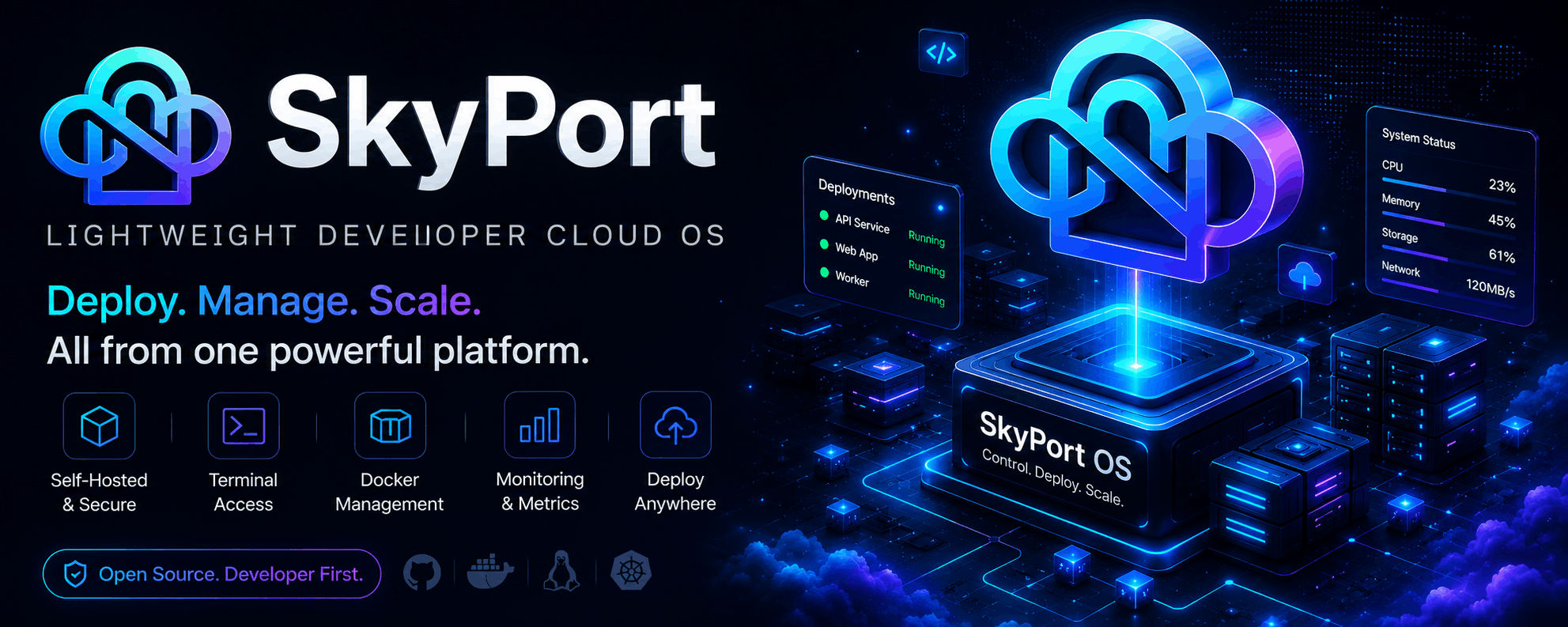
SkyPort is a self-hosted infrastructure platform that puts you in complete control. Unlike hosted solutions like Railway or Vercel, SkyPort runs on your own infrastructure — whether that's a single VPS, a home server, or a Kubernetes cluster.
Minimum System Requirements
SkyPort is designed to run on modest infrastructure, but the recommended minimums are:
- 1 vCPU core
- 512 MB RAM
- 2 GB RAM+ recommended for
Docker-based setups.
This docs site focuses on the implementation that exists in the repository and keeps the writing close to the CLI, dashboard, and backend surfaces you can actually use.
It is designed around the real implementation in this repository:
installer/install.sh
#!/usr/bin/env bash
set -Eeuo pipefail

# =========================================================
# CONFIG
# =========================================================

SKYPORT_REPO="${SKYPORT_REPO:-Nil369/SkyPort}"
SKYPORT_VERSION="${SKYPORT_VERSION:-latest}"

SKYPORT_HOST="${SKYPORT_HOST:-0.0.0.0}"
SKYPORT_PORT="${SKYPORT_PORT:-8080}"

INSTALL_DIR="/opt/skyport"
DATA_DIR="${INSTALL_DIR}/data"
WORKSPACE_DIR="${INSTALL_DIR}/workspace"

CONFIG_DIR="/etc/skyport"

SERVER_BIN="/usr/local/bin/skyport-server"
CLI_BIN="/usr/local/bin/skyport"

ENV_FILE="${CONFIG_DIR}/skyport.env"

SERVICE_FILE="/etc/systemd/system/skyport.service"

# =========================================================
# HELPERS
# =========================================================

log() {
  echo "[skyport] $*"
}

error() {
  echo "[skyport] ERROR: $*" >&2
  exit 1
}

require_root() {
  if [ "$(id -u)" -ne 0 ]; then
    error "Please run as root or use sudo."
  fi
}

require_cmd() {
  command -v "$1" >/dev/null 2>&1 || error "Missing required command: $1"
}

# =========================================================
# DETECT OS
# =========================================================

detect_os() {
  local os
  os="$(uname -s | tr '[:upper:]' '[:lower:]')"

  case "$os" in
    linux)
      echo "linux"
      ;;
    darwin)
      echo "darwin"
      ;;
    *)
      error "Unsupported OS: $os"
      ;;
  esac
}

detect_arch() {
  local arch
  arch="$(uname -m)"

  case "$arch" in
    x86_64|amd64)
      echo "amd64"
      ;;
    aarch64|arm64)
      echo "arm64"
      ;;
    *)
      error "Unsupported architecture: $arch"
      ;;
  esac
}

# =========================================================
# RELEASE
# =========================================================

latest_release() {
  curl -fsSL "https://api.github.com/repos/${SKYPORT_REPO}/releases/latest" \
    | grep '"tag_name"' \
    | head -n1 \
    | sed -E 's/.*"([^"]+)".*/\1/'
}

server_url() {
  local version="$1"
  local os="$2"
  local arch="$3"

  echo "https://github.com/${SKYPORT_REPO}/releases/download/${version}/skyport-server-${os}-${arch}"
}

cli_url() {
  local version="$1"
  local os="$2"
  local arch="$3"

  echo "https://github.com/${SKYPORT_REPO}/releases/download/${version}/skyport-${os}-${arch}"
}

# =========================================================
# USER
# =========================================================

create_user() {
  if id -u skyport >/dev/null 2>&1; then
    return
  fi

  log "Creating skyport user..."

  useradd \
    --system \
    --home "${INSTALL_DIR}" \
    --shell /usr/sbin/nologin \
    skyport || true
}

# =========================================================
# DIRECTORIES
# =========================================================

create_directories() {
  mkdir -p "${INSTALL_DIR}"
  mkdir -p "${DATA_DIR}"
  mkdir -p "${WORKSPACE_DIR}"
  mkdir -p "${CONFIG_DIR}"

  chown -R skyport:skyport "${INSTALL_DIR}" || true
}

# =========================================================
# ENV
# =========================================================

generate_secret() {
  tr -dc A-Za-z0-9 </dev/urandom | head -c 48
}

write_env() {
  local jwt_secret
  jwt_secret="$(generate_secret)"

  cat > "${ENV_FILE}" <<EOF
SKYPORT_HOST=${SKYPORT_HOST}
SKYPORT_PORT=${SKYPORT_PORT}

SKYPORT_ENV=production
SKYPORT_LOG_LEVEL=info

SKYPORT_DB_PATH=${DATA_DIR}/skyport.db
SKYPORT_WORKSPACE_ROOT=${WORKSPACE_DIR}

JWT_SECRET=${jwt_secret}
JWT_EXPIRES=604800

ENABLE_TERMINAL=true
ENABLE_DOCKER=true
ENABLE_PROJECTS=true
ENABLE_METRICS=true
ENABLE_FILESYSTEM=true

ALLOWED_ORIGINS=*
TRUSTED_PROXIES=127.0.0.1,::1
EOF

  chmod 600 "${ENV_FILE}"
}

# =========================================================
# DOWNLOAD
# =========================================================

install_server() {
  local version="$1"
  local os="$2"
  local arch="$3"

  local url
  url="$(server_url "$version" "$os" "$arch")"

  log "Downloading server..."
  log "$url"

  curl -fL "$url" -o "${SERVER_BIN}"

  chmod +x "${SERVER_BIN}"
}

install_cli() {
  local version="$1"
  local os="$2"
  local arch="$3"

  local url
  url="$(cli_url "$version" "$os" "$arch")"

  log "Downloading CLI..."
  log "$url"

  curl -fL "$url" -o "${CLI_BIN}"

  chmod +x "${CLI_BIN}"
}

# =========================================================
# SYSTEMD
# =========================================================

install_systemd_service() {

cat > "${SERVICE_FILE}" <<EOF
[Unit]
Description=SkyPort
After=network.target

[Service]
Type=simple

User=skyport
Group=skyport

WorkingDirectory=${INSTALL_DIR}

EnvironmentFile=${ENV_FILE}

ExecStart=${SERVER_BIN}

Restart=always
RestartSec=3

NoNewPrivileges=true

[Install]
WantedBy=multi-user.target
EOF

  systemctl daemon-reload
  systemctl enable skyport
  systemctl restart skyport
}

# =========================================================
# IP
# =========================================================

primary_ip() {

  if command -v hostname >/dev/null 2>&1; then
    hostname -I 2>/dev/null | awk '{print $1}'
    return
  fi

  echo "localhost"
}

# =========================================================
# MAIN
# =========================================================

main() {

  require_root

  require_cmd curl

  local os
  local arch
  local version

  os="$(detect_os)"
  arch="$(detect_arch)"

  if [ "${SKYPORT_VERSION}" = "latest" ]; then
    log "Fetching latest release..."
    version="$(latest_release)"
  else
    version="${SKYPORT_VERSION}"
  fi

  [ -n "${version}" ] || error "Could not resolve release version."

  log "Installing SkyPort ${version}"
  log "OS: ${os}"
  log "ARCH: ${arch}"

  create_user

  create_directories

  install_server "${version}" "${os}" "${arch}"

  install_cli "${version}" "${os}" "${arch}"

  write_env

  if [ "${os}" = "linux" ] && command -v systemctl >/dev/null 2>&1; then
    install_systemd_service
  fi

  local ip
  ip="$(primary_ip)"

  echo
  echo "===================================================="
  echo " SkyPort Installed Successfully"
  echo "===================================================="
  echo
  echo "Server Binary:"
  echo "  ${SERVER_BIN}"
  echo
  echo "CLI Binary:"
  echo "  ${CLI_BIN}"
  echo
  echo "Web UI:"
  echo "  http://${ip}:${SKYPORT_PORT}"
  echo
  echo "Swagger:"
  echo "  http://${ip}:${SKYPORT_PORT}/docs/index.html"
  echo
  echo "CLI Examples:"
  echo "  skyport login"
  echo "  skyport start webui"
  echo "  skyport start tui"
  echo "  skyport projects"
  echo
  echo "Service Status:"
  echo "  systemctl status skyport"
  echo
}

main "$@"
What SkyPort Covers
SkyPort currently focuses on:
- Docker container operations and host runtime control
- PM2 process management and log access
- VPS access through SSH sessions
- Reverse proxy generation and Caddy-oriented routing flows
- Host metrics and live log streaming
- Project and deployment management through the API and CLI
- A marketplace catalog with native or Docker install recording
- A bundled web UI and a terminal UI for operator workflows
How The Product Is Structured
SkyPort is intentionally split into three layers:
- CLI & TUI for automation and operator workflows
- Web UI for the embedded dashboard experience
- Backend API for host, runtime, and service operations
Core Workflows
Terminal-first operations
terminal
skyport start webui
skyport start tui
skyport docker ps
skyport pm2 list
skyport server ssh
Deployment and project flow
terminal
skyport auth login
skyport project list
skyport deploy --project-path ./my-app --start-cmd "npm run start"
skyport rollback <deployment-id>
Marketplace and service recording
terminal
skyport marketplace list
skyport marketplace install --slug postgres --mode native
Who This Docs Site Is For
- Developers shipping on a VPS or single-host setup
- Operators managing Docker and PM2 from a small control plane
- Open-source users who want reproducible setup and clear references
- Contributors who need an accurate view of the platform layout
Next Steps
Read the Production Setup 🔥 guide to configure:Planning to expose SkyPort publicly?
- reverse proxies (Caddy, Nginx, Apache)
- HTTPS and SSL
- DNS and custom domains
- VPS networking
- Secure production deployment
- Read Installation for your platform.
- Follow Quick Start to bring the server up.
- Review First Deployment for a real workflow.
- Open CLI Installation if you plan to automate from the terminal.