
VPS
SSH
Use SkyPort to open and manage remote SSH sessions.
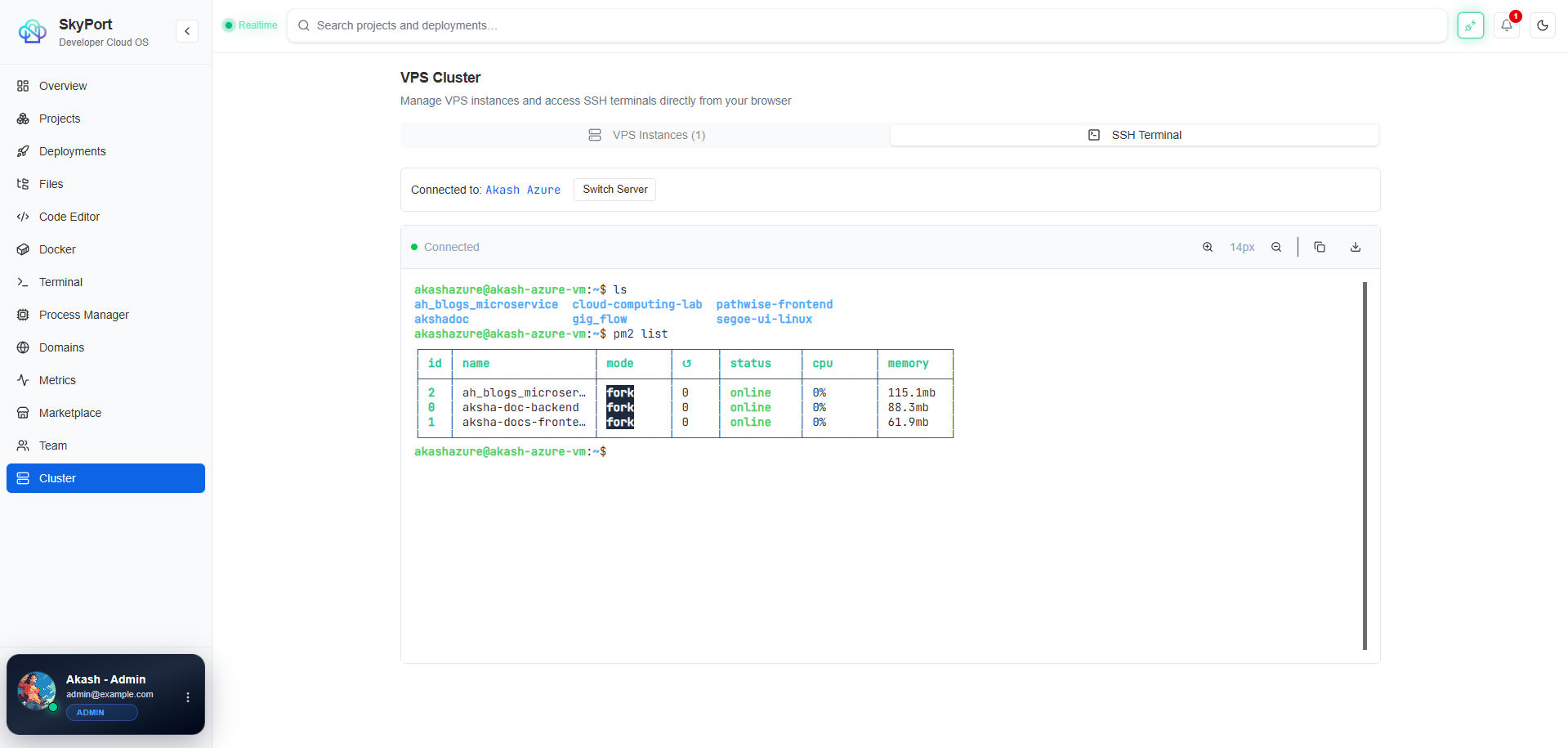
The CLI uses a WebSocket-backed session to open a real terminal against a VPS record.
Open A Session
terminal
skyport server ssh --id <vps-id>
What The SSH Client Can Do
The SSH implementation supports:
- interactive shells
- command execution
- file copy to the remote host
- file retrieval from the remote host
- host key verification when strict mode is enabled
Session Behavior
- Default port is
22unless you override it. - The client can use an SSH agent, a key file, or a password.
- Sessions are managed server-side, not in the browser alone.
Practical Workflow
- Add the VPS record.
- Test the connection.
- Open the session from the CLI or dashboard.
- Run the commands you need on the host.
Example Remote Commands
terminal
uname -a
docker ps
systemctl status skyport-server
Next
- Read SSH Management.
- Read Firewall.